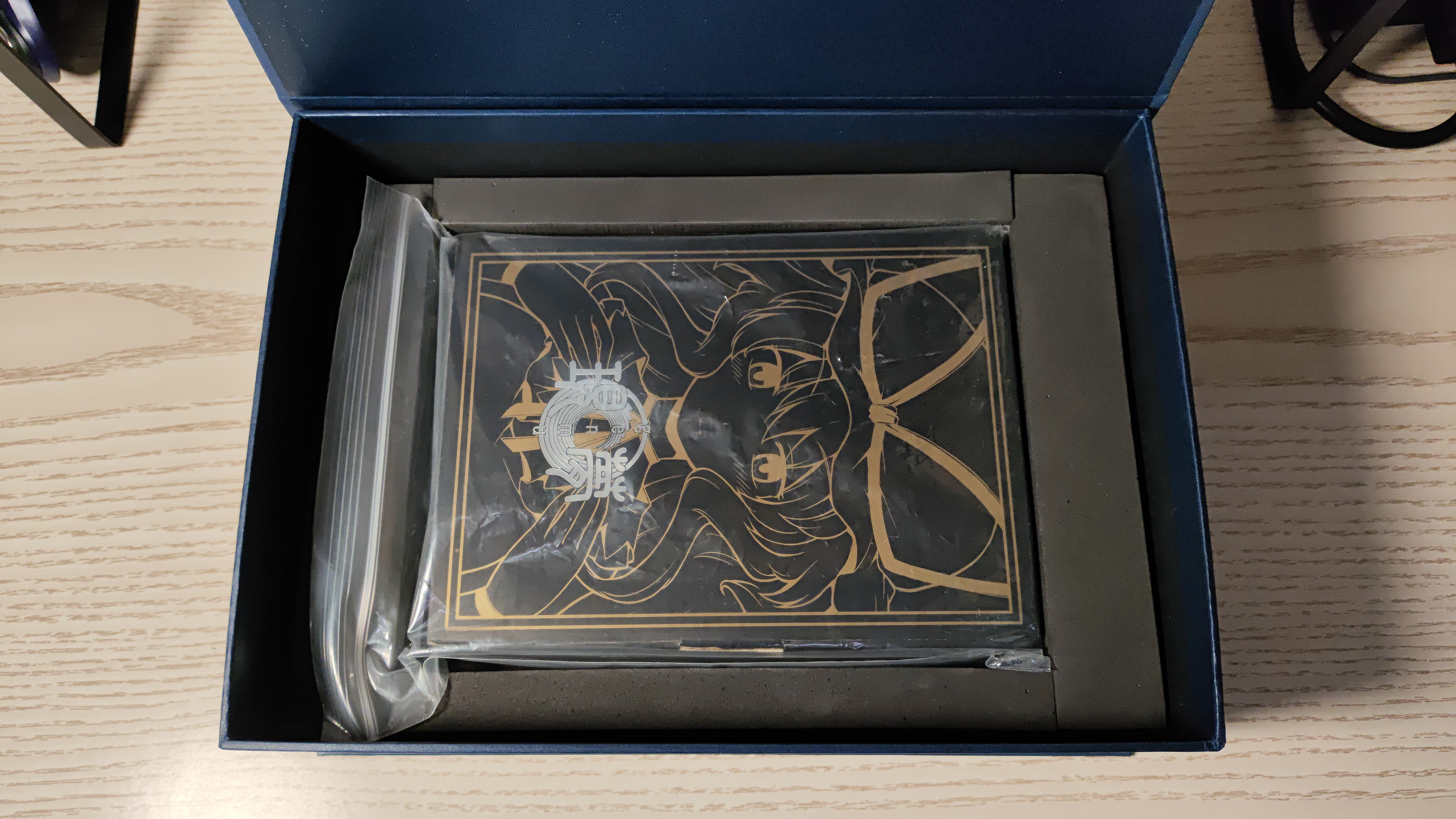
Custom CD Storage Box Record
Daily life of a Touhou CD collector
Daily life of a Touhou CD collector
AI Translated from Chinese Background Redmi Note 12 Turbo, MIUI 14, unlocked bootloader. Process 1. Backup First, backup important data. This step is crucial as flashing will wipe all data. 2. Download Required Files Platform Tools (adb and fastboot) Custom recovery (e.g., TWRP) Custom ROM (e.g., HyperOS, Pixel Experience) 3. Unlock Bootloader Use MIUI Unlock tool to unlock bootloader. Note this requires binding device account for certain days. 4. Flash Recovery # Boot to fastboot mode adb reboot bootloader # Flash recovery fastboot flash recovery recovery.img 5. Install ROM Boot to recovery mode Wipe data/factory reset Install ROM zip file Reboot Post-flash Setup Restore apps and data Configure system settings Install Google services if needed Notes Unlocking bootloader will void warranty Be careful with ROM sources, use trusted ones Keep recovery image backup